Controls
- W / A / S / D: Move forward, left, backward, and right.
- Mouse: Aim and control your camera.
- Left Mouse Button: Fire your weapon.
- Right Mouse Button: Aim down sights.
- Spacebar: Jump.
- Shift: Sprint.
- C: Crouch.
- Ctrl: Prone.
- R: Reload your weapon.
- F: Interact with objects.
- G: Use a grenade.
- Tab: Check the scoreboard or inventory, depending on the mode.
- Esc: Open the menu.




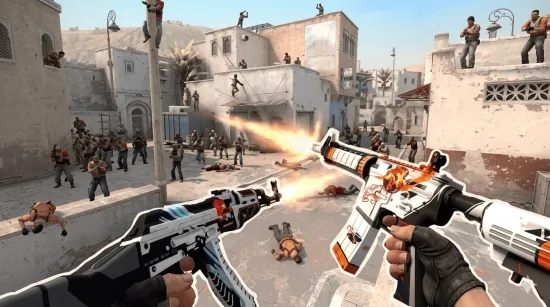
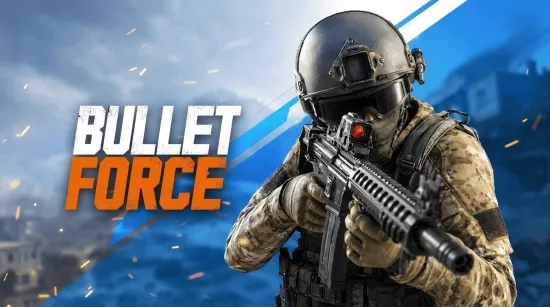
Delta Force is a free-to-play tactical first-person shooter that combines intense multiplayer battles, strategic extraction missions, and cinematic military action. Players can join massive battlefield confrontations, explore dangerous environments for valuable loot, or experience a challenging campaign inspired by classic military operations. With different Operators, weapons, vehicles, and game modes, every match offers opportunities to develop new tactics and work together with teammates.
Choose your preferred game mode, prepare your equipment, and enter the battlefield. Your objectives depend on the mode you select, ranging from capturing strategic locations and eliminating enemy players to collecting valuable resources and reaching extraction points safely. Warfare delivers large-scale multiplayer combat where teams fight across expansive maps. Work with your squad to capture objectives, defend important positions, and push through enemy territory. Infantry combat combines with land, sea, and air vehicles, creating dynamic battles that require teamwork, positioning, and tactical awareness. Choose an Operator suited to your playstyle, select your weapons and equipment, and coordinate with teammates to gain an advantage. Depending on the available mode, you may need to attack enemy positions, defend strategic areas, or eliminate opponents to secure victory. Operations offers a tactical extraction shooter experience. Enter dangerous locations with your squad, search for valuable supplies, complete objectives, and confront enemy forces. Your goal is to gather resources and successfully escape through an extraction point. Every decision matters because the battlefield contains valuable loot and dangerous threats. Plan your route, manage your equipment, cooperate with teammates, and choose the right moment to extract. Successfully escaping allows you to secure your collected resources for future missions. Experience a cinematic military campaign inspired by the classic Delta Force storyline. Black Hawk Down takes players into intense urban combat environments, including the streets of Mogadishu, night operations, and helicopter crash sites. Follow the story through challenging missions and experience a different style of gameplay from the multiplayer modes. Detonation is a tactical 5v5 mode where one team attacks while the other defends. Attackers must plant a bomb and protect it until it detonates, while defenders attempt to prevent the objective or disarm the bomb. Communication, accurate shooting, and smart positioning are essential to winning each round.How to Play Delta Force
Warfare Mode
Operations Mode
Black Hawk Down Campaign
Detonation Mode
Game Features
Controls
Tips for Delta Force