
















How to Play Minedash
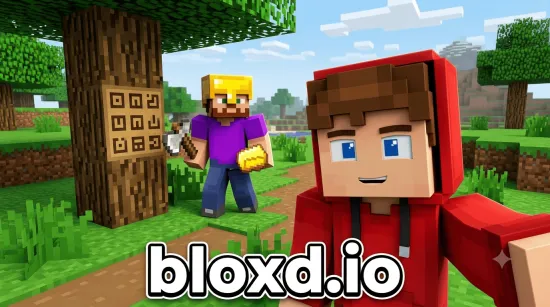
Start by collecting wood, stone, and other basic materials. Craft useful tools to make mining and exploration easier, then upgrade your equipment to reach new areas and find rarer resources. Use the materials you gather to build shelters, bridges, and other structures.
Prepare for challenging environments by carrying enough supplies and improving your equipment whenever possible. Explore carefully, overcome obstacles, and keep gathering resources to develop your world.
Features
- Explore a blocky world with forests, caves, and mountains.
- Mine basic materials and search for rare ores.
- Craft tools to improve mining and exploration.
- Build shelters, bridges, and custom structures.
- Upgrade equipment to access harder-to-reach areas.
- Discover new resources and expand your world.
Controls
- WASD: Move.
- Spacebar: Jump.
- Left Click: Mine or attack.
- Right Click: Place blocks or interact.
- E: Open inventory.
- 1–9: Select items from the hotbar.
Tips for Playing Minedash
- Collect wood and stone early to craft essential tools.
- Upgrade your equipment to make resource gathering easier.
- Explore different environments to discover valuable materials.
- Keep enough supplies with you when entering caves or traveling far.
- Use gathered blocks to build useful structures and expand your world.
Frequently Asked Questions
What is Minedash?
Minedash is a sandbox adventure game focused on mining resources, crafting tools, exploring environments, and building structures.
What can you do in Minedash?
You can gather materials, mine ores, craft and upgrade tools, explore caves and mountains, and build shelters, bridges, and other creations.
How do you mine and place blocks?
Use the left mouse button to mine or attack and the right mouse button to place blocks or interact.
How do you open the inventory?
Press E to open your inventory. Use the number keys 1–9 to select items from the hotbar.